Feel at home with your phone
Choose a phone, iPad, or Android tablet, then learn its basic controls.
Is this for me?
If tapping, swiping, or phone buttons still feel unfamiliar.
Have these ready
- A charged phone or tablet
- Your usual unlock method
Your small win
Open an app, adjust the screen, and use your device’s basic controls.
Choose just one route.
Pick the device or task you want to use now. Leave the other routes for later.
Samsung Galaxy first steps
Five free lessons for an already configured Samsung Galaxy phone.
Phone first stepsPhone first steps
For an iPhone or Android phone: controls, text, calls, and an alarm.
iPad first stepsiPad first steps
Use an iPad’s Home screen, readable text, and a practice note.
Android tablet first stepsAndroid tablet first steps
Use the Home screen, make it comfortable, and open an app.
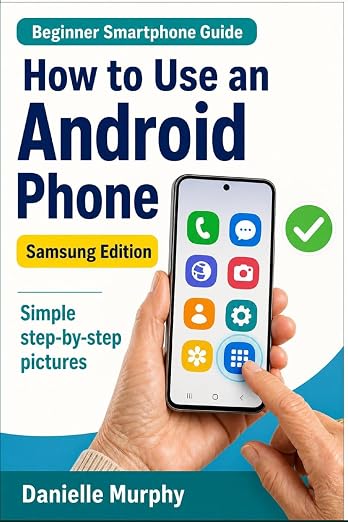
One book. Everyday Samsung skills.
Danielle Murphy’s picture-led paperback brings 100 lessons into 10 sections, from first setup and calls to photos, maps, safety, and accessibility.
Explore the Samsung bookYou can pause after any lesson. Step progress is saved on this device, and every guide has a printable copy.