Your progress is saved in this browser. There’s no timer.
Before you start
- An unlocked phone
- A built-in app such as Clock or Camera
A clear way through this guide.
We’ll show you one step at a time. When you’re ready, press Done — next step. You can go back or take a break whenever you like.
5 steps · Your own pace
Understand apps and open one
Step 1 of 5: Choose an app already installed
Start with Clock or Camera rather than downloading anything. Look for its name underneath the icon. If you cannot find it on Home, search your phone’s app list or library; an absent shortcut does not always mean an absent app.
✓ Step complete. You can practise it again.
Step 2 of 5: Open it with one tap
Tap the icon once and wait. The app’s own screen should appear. A tap opens something; touching and holding often opens a menu instead. Close that menu and try a brief tap if you opened it accidentally.
✓ Step complete. You can practise it again.
Step 3 of 5: Practise one small task
In Clock, find the current time or Alarm tab. In Camera, look at the preview without sharing a photo. These simple activities help you recognise app controls without creating an account or approving a purchase.
✓ Step complete. You can practise it again.
Step 4 of 5: Return Home
Use Home or the bottom-edge swipe appropriate for your phone. Returning Home leaves the app rather than removing it. You can open it again by tapping the same icon; important documents may still need an explicit Save action.
✓ Step complete. You can practise it again.
Step 5 of 5: Recognise account and cost requests
An app may later ask you to sign in, use the camera or subscribe. Read the request and pause if unsure. Installing an app and subscribing to a service are separate actions; removing an app may not cancel a subscription.
✓ Step complete. You can practise it again.
Take your time. Next marks this step done.
You’ve finished this guide.
Every step is complete. You can come back and practise again whenever you like.
Your small practice task.
Open Clock, find Alarm, return Home and open Clock again.
Completing the guide records your progress here; it does not check your device settings.
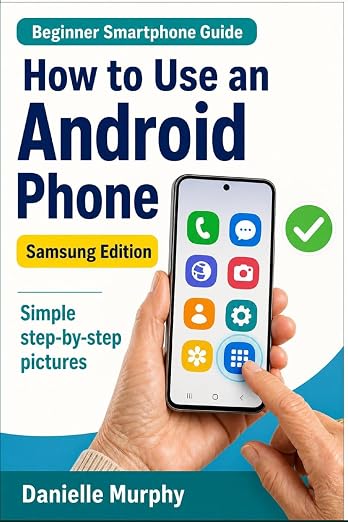
Prefer a guide beside your phone?
Explore Danielle Murphy’s picture-led paperback: 100 lessons across 10 sections, with large screenshots and highlighted controls.
Explore the Samsung bookA common question.
Is an app the same as a website?
They can offer the same service, but a website opens in a browser. An installed app opens from your device’s app list.
Official help, if you need it.
These links provide the product’s own instructions or relevant public guidance. Settings can differ by model and software version.