Your progress is saved in this browser. There’s no timer.
Before you start
- Have the phone unlocked and a trusted person available for a test call.
- Menu names vary by Android maker and software version.
A clear way through this guide.
We’ll show you one step at a time. When you’re ready, press Done — next step. You can go back or take a break whenever you like.
5 steps · Your own pace
Make incoming calls easier to notice
Step 1 of 5: Open the ringer settings
On iPhone, open Settings, then Sounds & Haptics and find the ringtone volume slider. Android alternative: open Settings and find Sound, Sound & vibration or the ring-volume control.
✓ Step complete. You can practise it again.
Step 2 of 5: Raise the correct volume
Move the ring or ringtone slider gradually. Play its preview if offered. Choose a comfortable level; increasing media or in-call volume alone may not affect ringing.
✓ Step complete. You can practise it again.
Step 3 of 5: Check silent modes
Make sure the phone is not set to silent or vibrate-only. Check Focus or Do Not Disturb schedules and allowed callers; these settings can suppress ringing despite the volume setting.
✓ Step complete. You can practise it again.
Step 4 of 5: Choose a noticeable ringtone
Listen to a few built-in tones and select one you hear clearly. Turn on call vibration if useful. Avoid changing several unrelated notification sounds at the same time.
✓ Step complete. You can practise it again.
Step 5 of 5: Test in your normal setting
Put the phone where you usually leave it and request a test call. Check the speaker is not covered. If sound remains distorted or absent, seek the manufacturer’s troubleshooting guidance.
✓ Step complete. You can practise it again.
Take your time. Next marks this step done.
You’ve finished this guide.
Every step is complete. You can come back and practise again whenever you like.
Your small practice task.
Adjust the ring volume and complete one test call.
Completing the guide records your progress here; it does not check your device settings.
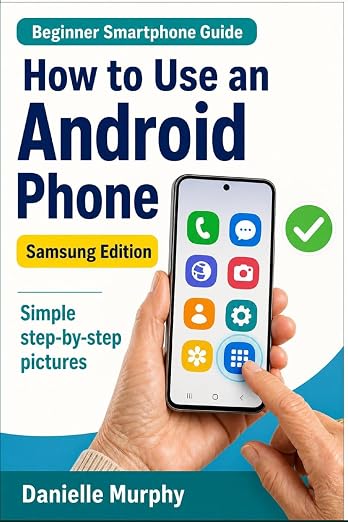
Prefer a guide beside your phone?
Explore Danielle Murphy’s picture-led paperback: 100 lessons across 10 sections, with large screenshots and highlighted controls.
Explore the Samsung bookA common question.
Why did the volume buttons change music instead?
They can control whichever sound is active. Use the ringer slider in Settings when you want to change incoming-call loudness specifically.
Official help, if you need it.
These links provide the product’s own instructions or relevant public guidance. Settings can differ by model and software version.