
Your progress is saved in this browser. There’s no timer.
Before you start
- A compatible charging cable and power adapter
- A dry phone and undamaged charging equipment
A clear way through this guide.
We’ll show you one step at a time. When you’re ready, press Done — next step. You can go back or take a break whenever you like.
5 steps · Your own pace
Charge your phone and check that it is charging
Step 1 of 5: Inspect the equipment
Check the cable and adapter for fraying, loose parts or visible damage. Make sure the phone and charging socket are dry. Do not push objects into the port or force a connector that does not fit.
✓ Step complete. You can practise it again.
Step 2 of 5: Connect the charger
Plug the adapter into a suitable wall socket, then connect the cable to the phone. USB-C and older iPhone connectors differ. Wireless charging is an alternative only if your phone and charging pad support it.
✓ Step complete. You can practise it again.
Step 3 of 5: Look for confirmation
Wake the screen and look for a charging symbol or message by the battery indicator. Give a very low battery a little time before expecting the phone to start. If there is no indication, check the plug and socket.
✓ Step complete. You can practise it again.
Step 4 of 5: Keep the phone comfortable
Leave it on a firm surface with ventilation, away from direct heat. A little warmth can occur, but stop using damaged equipment. If the phone is unusually hot, swollen or shows a moisture warning, follow the maker’s safety advice.
✓ Step complete. You can practise it again.
Step 5 of 5: Check the level later
Read the battery level before unplugging. Some phones pause or limit charging to protect battery health; the screen may explain this. There is no need to deliberately empty the battery before every charge.
✓ Step complete. You can practise it again.
Take your time. Next marks this step done.
You’ve finished this guide.
Every step is complete. You can come back and practise again whenever you like.
Your small practice task.
Connect the charger and identify the charging symbol before leaving the phone.
Completing the guide records your progress here; it does not check your device settings.
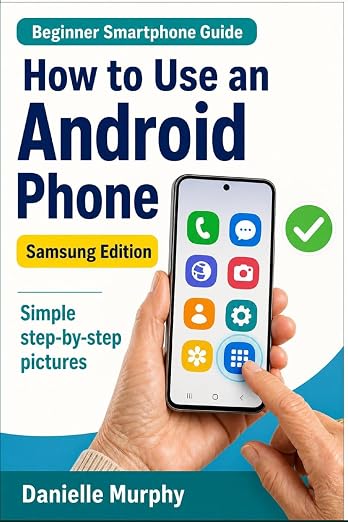
Prefer a guide beside your phone?
Explore Danielle Murphy’s picture-led paperback: 100 lessons across 10 sections, with large screenshots and highlighted controls.
Explore the Samsung bookA common question.
Why is charging slower from my computer?
A computer port or different adapter may supply less power. Use a compatible wall charger and cable recommended for the phone.
Official help, if you need it.
These links provide the product’s own instructions or relevant public guidance. Settings can differ by model and software version.